
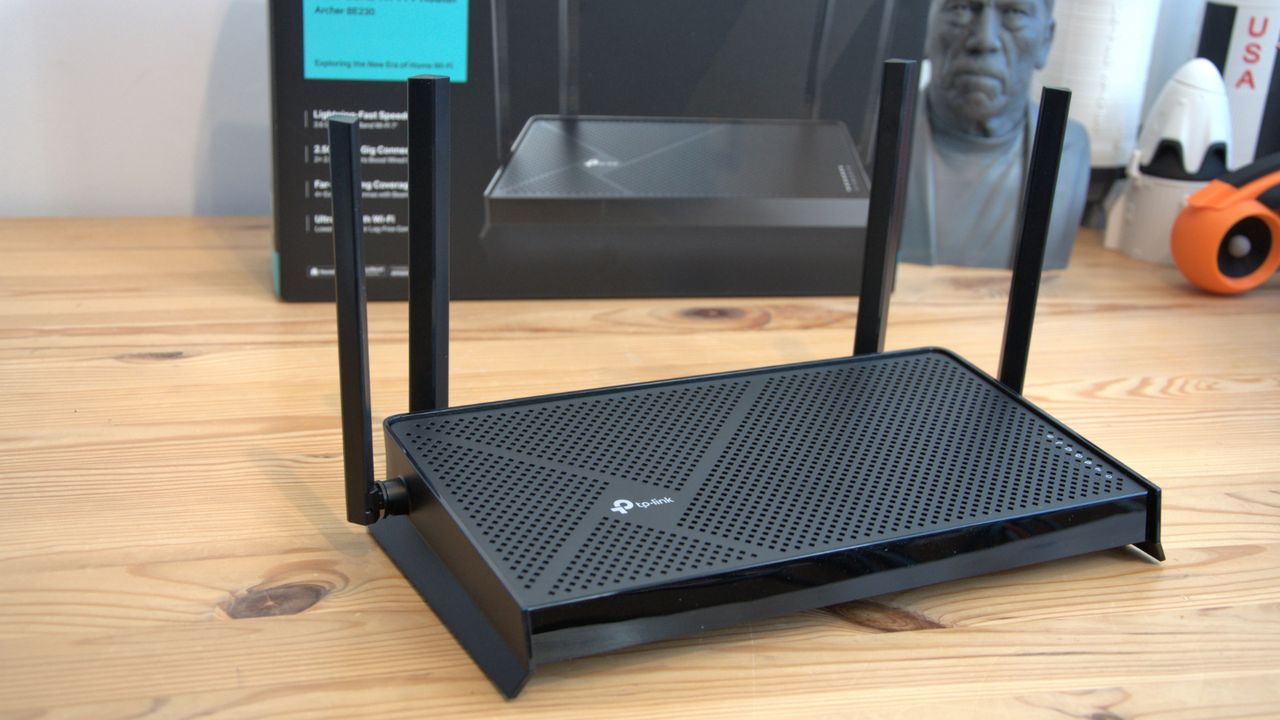

Wi-Fi 7 has been notoriously expensive for home offices and small businesses looking to take advantage of faster speeds and better coverage. But one of the cheapest methods that we’ve tested is the TP-Link Archer BE230 Wi-Fi 7 router, currently $80 (was $120) at Amazon.
This entry-level dual-band router is, to my mind, one of the best you can get for the price, offering BE3600 class speeds, two 2.5Gbps LAN ports, and three 1Gbps ports for wired connections. Scoring 4 stars in our review, we found it offered everything except 6GHz for most home office and small business users.
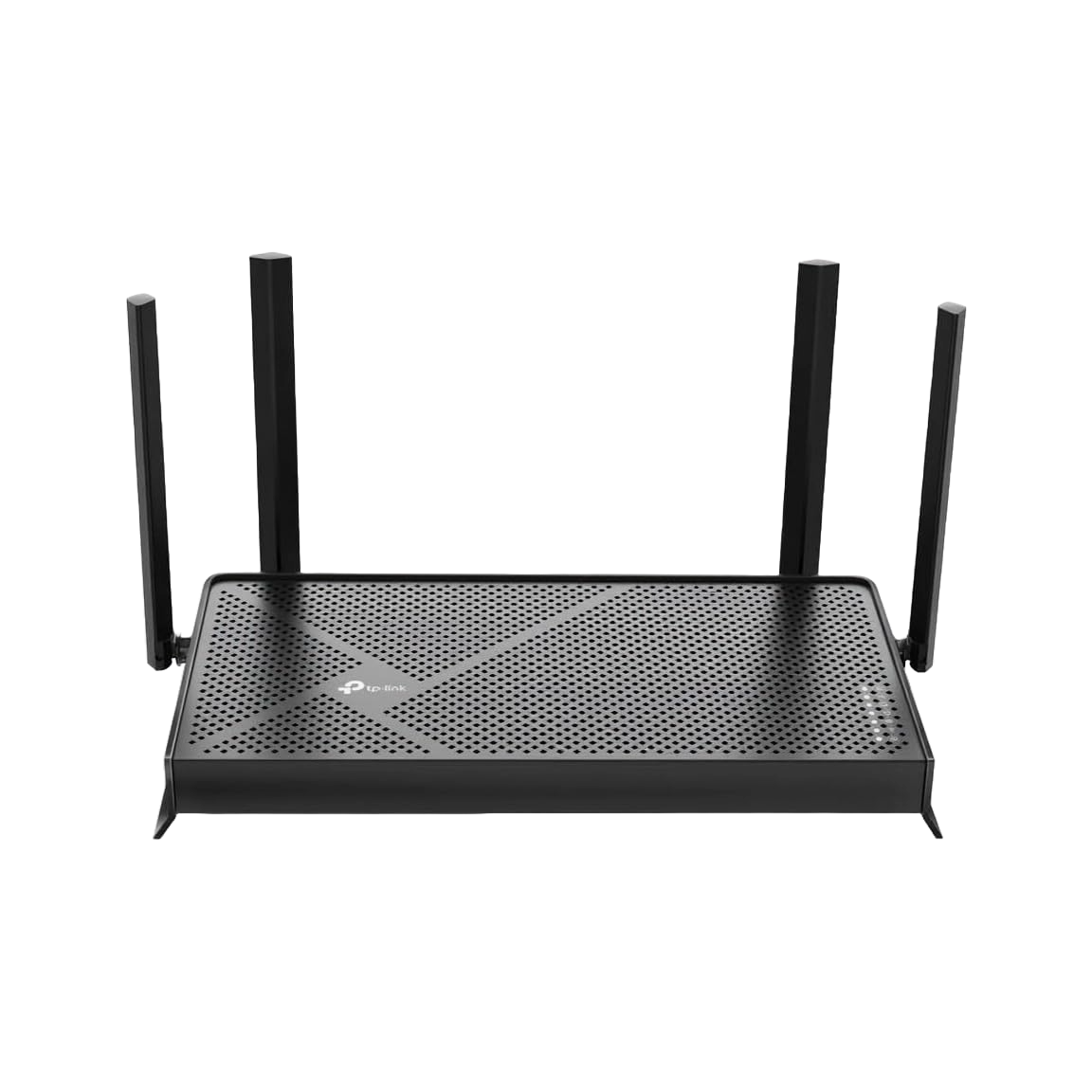
Dual-Band BE3600 Wi-Fi 7 Router, Archer BE230: was $119.99 now $79.99
Dual-band Wi-Fi 7 (802.11be) support with BE3600 class speeds, two 2.5Gbps ports and three 1Gbps ports for wired connections, a 2.0GHz quad-core processor, and four external antennas. VPN support, EasyMesh compatibility, and TP-Link’s HomeShield security features are included for network management and control.View Deal
Why we recommend it
Price is the main attraction for this router, which we awarded 4 stars in our review. While many Wi-Fi 7 setups attract costs in the hundreds of dollars, this one clocks in at $120 even without the current discount right now. During tests, our networking whizz Mark called it “amazing value for money.”
He noted that “this router offers the 2.5GbE LAN ports that make it incredibly useful even without the 6GHz band,” and through performance testing, he was “able to get full speed from 5GHz connections with the BE3600 easily, at short range. With the potential for 2882 Mbps over 5GHz.”
Wi-Fi 7 routers have generally launched at prices well above what most home office setups need to spend, so an entry-level model like the Archer BE230 matters for anyone who wants the standard’s efficiency and interference-handling improvements without paying flagship prices. It skips the 6GHz band, so you are getting Wi-Fi 7’s underlying gains rather than its highest headline speeds, and for most single-office setups that is a reasonable trade-off.
The two 2.5Gbps ports are the more practical upgrade for a lot of home offices right now, especially if your internet provider has recently pushed connection speeds above the standard gigabit ceiling. Pairing a fast wired connection to a desktop or NAS device with a modern wireless standard for laptops and phones covers most of what a small office network needs.
EasyMesh support means you can expand later if a single unit doesn’t cover your space, without replacing the whole system. That flexibility is worth having even if you do not need it on day one.
Price Context & Historical Value
This is the lowest price we’ve seen TP-Link’s router on Amazon since November 2025. Our trackers show the Archer BE230 has mostly held between roughly $80 and $87 over the past several weeks, which puts this deal at or near the low end of its recent range rather than an inflated one-time markdown.
Should you buy it?
✅ Buy the TP-Link Archer BE230 if…
Your home office internet plan runs faster than 1 Gbps, and your current router is capping it; you want Wi-Fi 7 efficiency gains without paying for a flagship router; or you need multiple 2.5Gbps wired ports for a desktop and NAS setup.
❌ Skip the TP-Link Archer BE230 if…
You specifically want 6GHz band support for the fastest possible Wi-Fi 7 speeds, you have a large home that needs mesh coverage out of the box, or your internet plan is well under 1Gbps and would not benefit from the faster wired ports.
The Catch: What to know before you buy
The big caveat here is that the router doesn’t cover the 6GHz band, as it’s a dual-band model. It’s also worth noting that coverage is designed for a single unit rather than a larger multi-room mesh setup. For a typical home office or small business premises, neither should be a dealbreaker, but it is worth knowing going in.
![[Aggregator] Downloaded image for imported item #87964](https://kcmicro.com/wp-content/uploads/2026/01/qNRvum8x6AQhGt9NZWWgWB-1280-80-800x500.jpg "[Aggregator] Downloaded image for imported item #87964")
![[Aggregator] Downloaded image for imported item #172835](https://kcmicro.com/wp-content/uploads/2026/08/W5VpvT3xToSYbe4scXCvGH-1280-80-800x500.png "[Aggregator] Downloaded image for imported item #172835")
![[Aggregator] Downloaded image for imported item #172804](https://kcmicro.com/wp-content/uploads/2026/08/kuojQtPGFyBij7yr4xp27o-1280-80-800x500.jpg "[Aggregator] Downloaded image for imported item #172804")